
Plain definitions for the words this account uses
They follow the product, not a general dictionary.
- Plan
- An active offer in the catalog. It stores a price, an optional funding range, earnings per task, a task count, a duration in days, and a payment frequency.
- Plan price
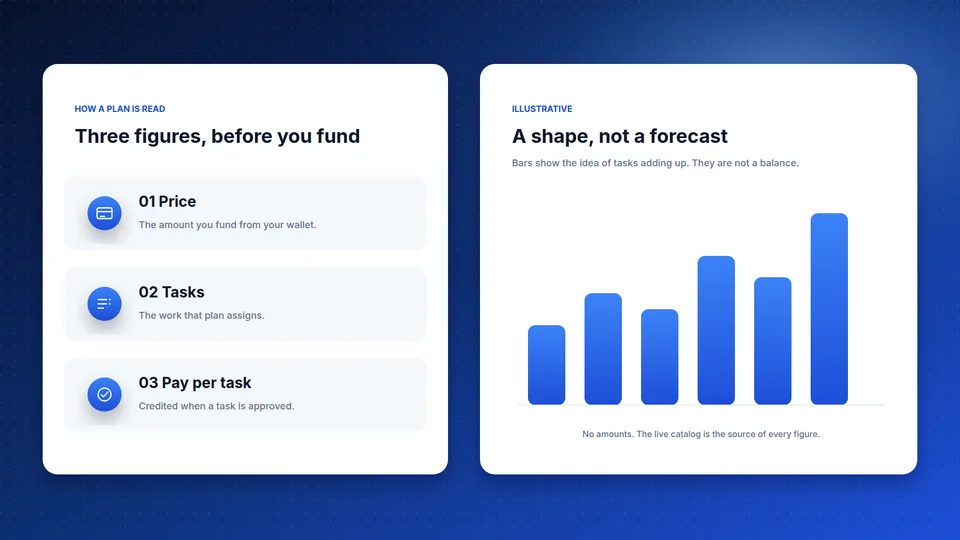
- The price shown on the plan card. You fund a plan by paying that price from your wallet balance, or an amount inside the range when the plan has one. A range reads from the low figure to the high figure.
- Earnings per task
- The pay listed on the plan for one completed task. The payout for a task is that amount scaled to the capital you put in, after the task is approved.
- Total return
- On a public card, earnings per task multiplied by the task count. It describes that plan. It is not a promise of profit.
- Task
- Work the plan assigns from the task library. You submit it in the dashboard. It pays when it is completed and approved.
- Duration
- How long the plan runs, stored in days. The card shows that day count. Payment frequency is separate and does not turn the day count into hours.
- Frequency
- How often the plan schedules payments, such as hourly, daily, weekly, or monthly. It is listed on its own row and does not change the duration unit.
- Wallet
- The balance on your account. Deposits are credited after approval. Funding a plan draws from this balance.
- Deposit
- Funds you add from the dashboard. A deposit is credited to your balance after it is approved. Deposits can be turned off in settings.
- Withdrawal
- A payout you request. Identity verification has to be approved first. You confirm with an emailed code, or with an authenticator app if two-factor authentication is on. The request stays pending until it is processed.
- Identity check
- The KYC review in the dashboard. Withdrawals wait until that review is approved.
- Referral code
- The code in your dashboard that you can share. It is used only when referrals are enabled.
- Referral bonus
- A percentage of an approved deposit from someone who used your code. The percentage is an admin setting and can change. The bonus is credited as bonus balance.
- Support ticket
- A message thread you open from Support after you sign in. The public contact form is separate and replies to the email you enter.
Start earning with Affiliate Global today
Create your free account in minutes, pick a plan, and track every reward in one dashboard.
- Secure accounts
- Live plans
- Payout requests