
Sample
Today's tasks
- Read the plan
- Submit a task
- Follow the payout
Sample memberMember

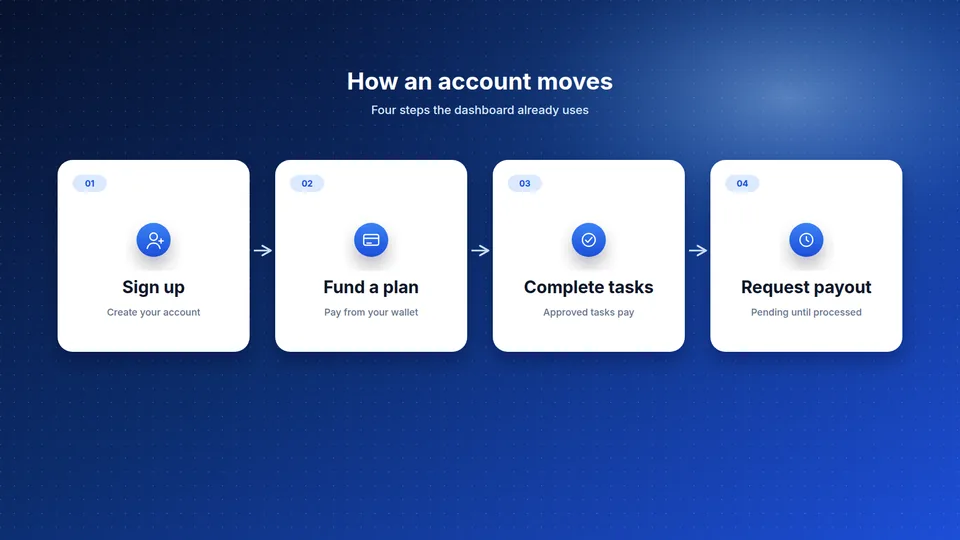
The frames below are a preview of that layout.
Tasks
The checklist is a sample of that list. Tasks are assigned after you fund a plan.
Sample
Sample memberMember
Screens in the account
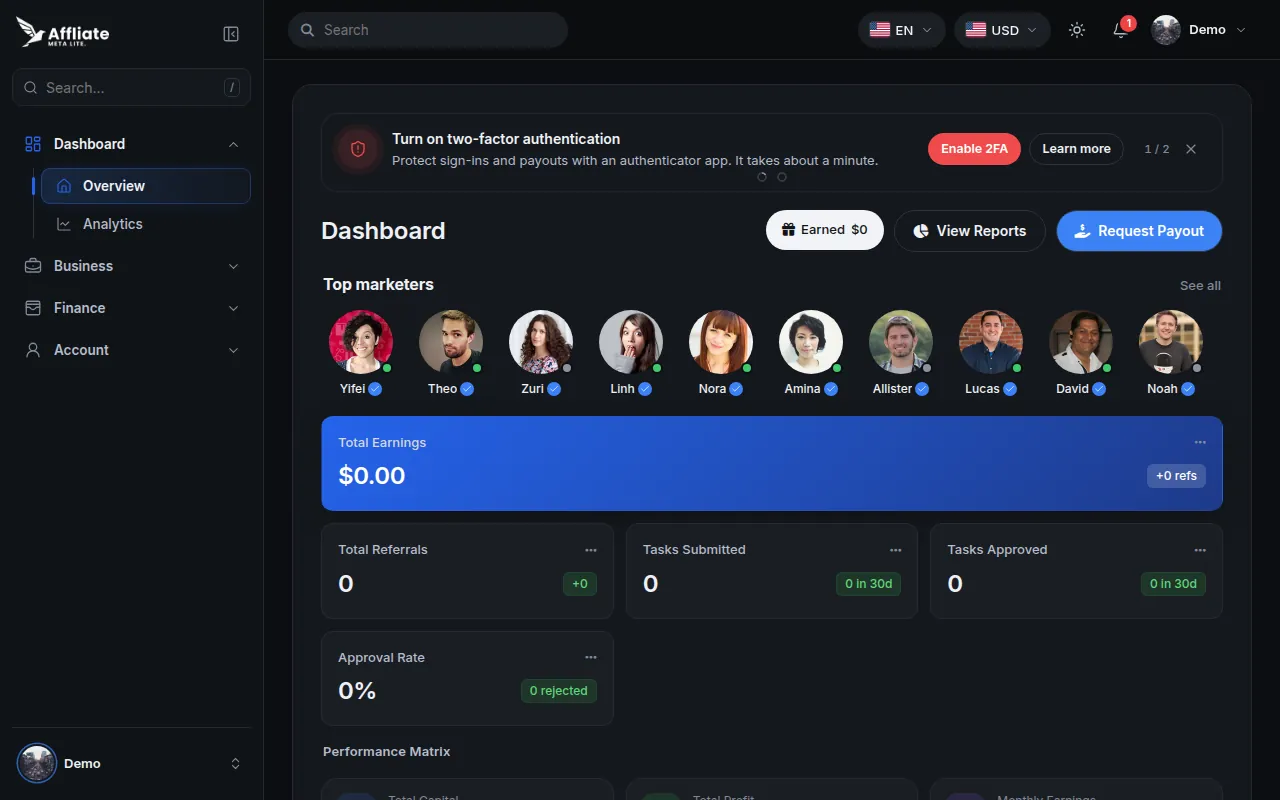
The signed-in overview: balance, alerts for email verification, two-factor authentication, and identity review, and the plans you are working.
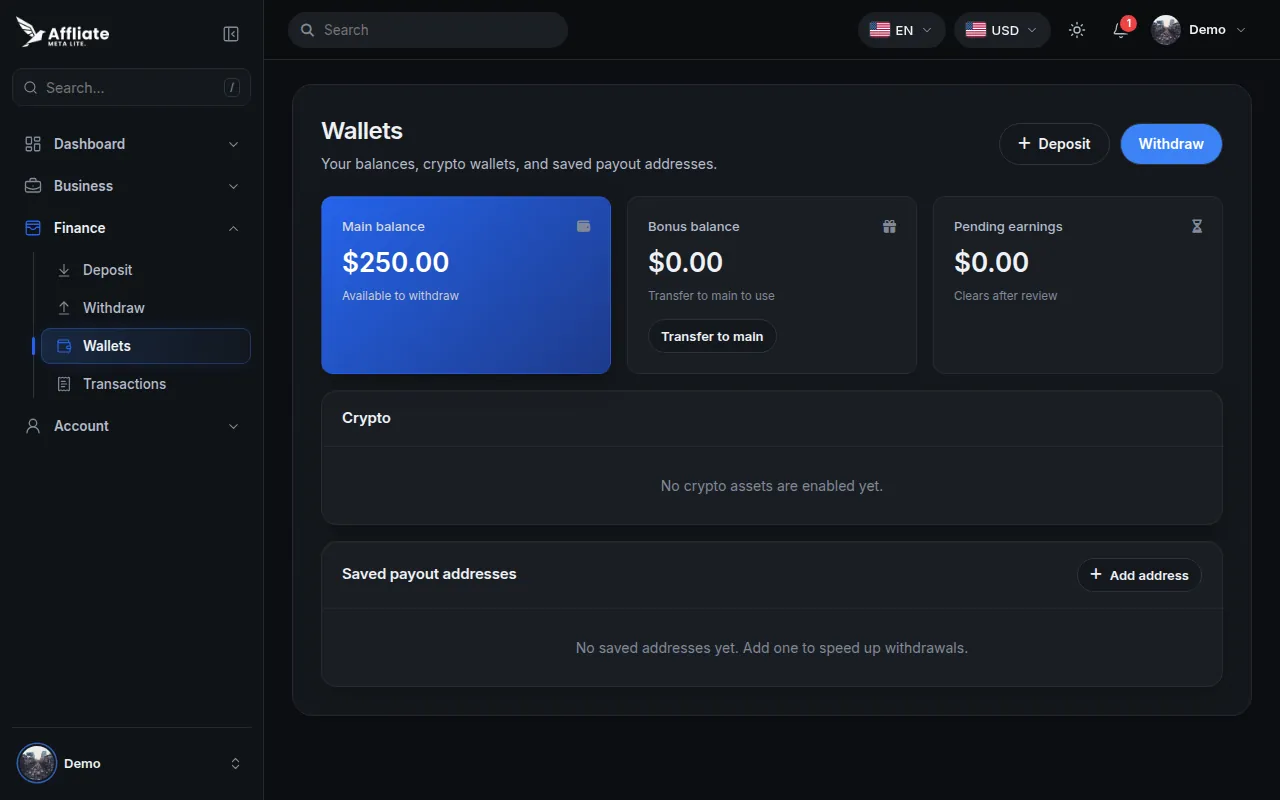
The full catalog and a plan detail page. Funding uses your wallet balance and the price or range on the plan.
Plans you fund sit in a portfolio. Tasks are assigned from the library, and you submit them for review.
Add funds from the dashboard. A deposit is credited after it is approved.
Request a payout after identity verification is approved. Confirm with a code. The request stays pending until it is processed.
Copy your referral code when referrals are enabled. Support opens a ticket on the account.
Create your free account in minutes, pick a plan, and track every reward in one dashboard.