
Turn your audience into income with affiliate plans that pay per task
See the price and the pay before you fund.

See the price and the pay before you fund.
Read a plan, finish its tasks, then request a payout. See the full path
Compare price, tasks and pay per task.
Finish daily tasks and get them approved.
Track earnings and withdraw from one dashboard.
In one place
The catalog, your wallet, the task list, referrals, and payout requests stay together. You always know what is waiting on review and what has been credited.
See how an account works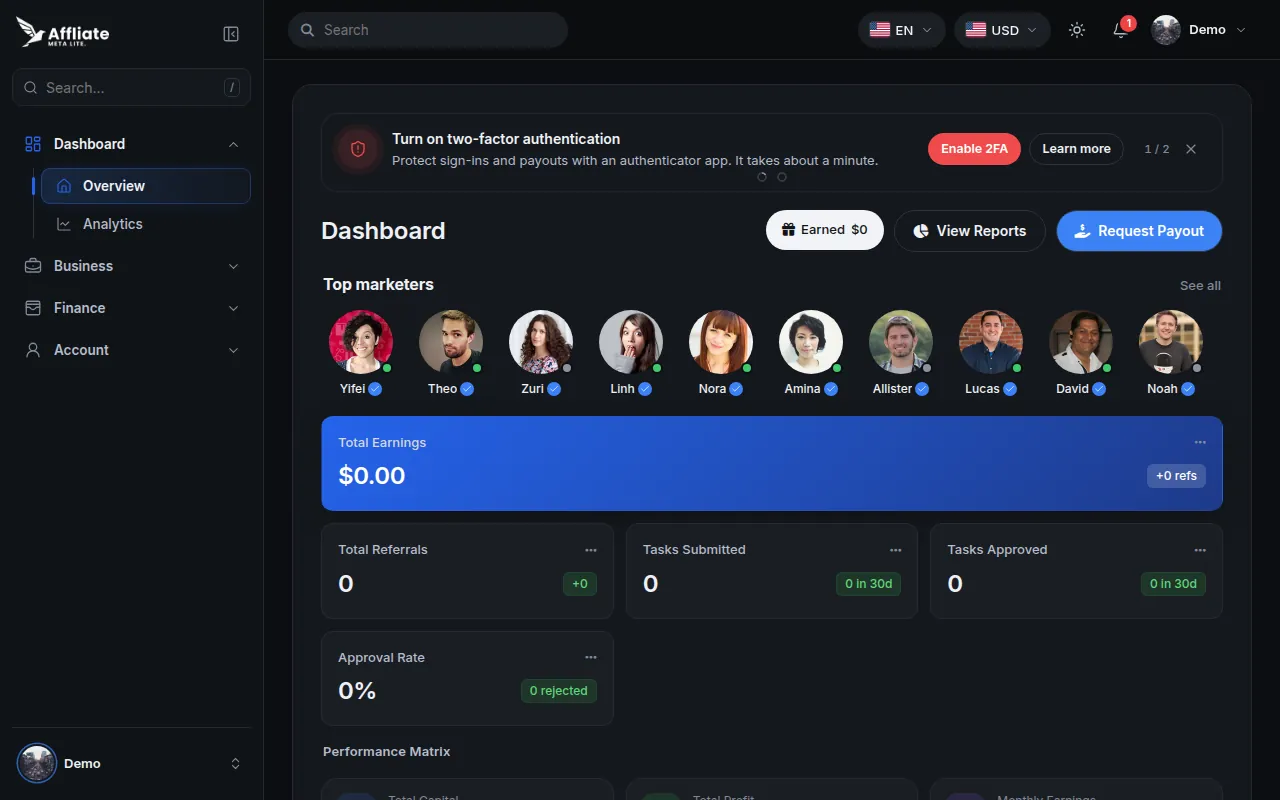
In the dashboard
Compare active plans and see the price, the tasks, and the pay before you commit a balance.
Plans you fund sit in one portfolio. Tasks are assigned for you to submit and have reviewed.
Add funds from the dashboard. A deposit reaches your balance after it is approved.
Request a payout to a method you provide. The first one waits on an approved identity check.
Share your code from the dashboard. When referrals are on, an approved deposit from someone you referred can credit a bonus.
Email verification, a sign-in code or authenticator check, and optional two-factor authentication.
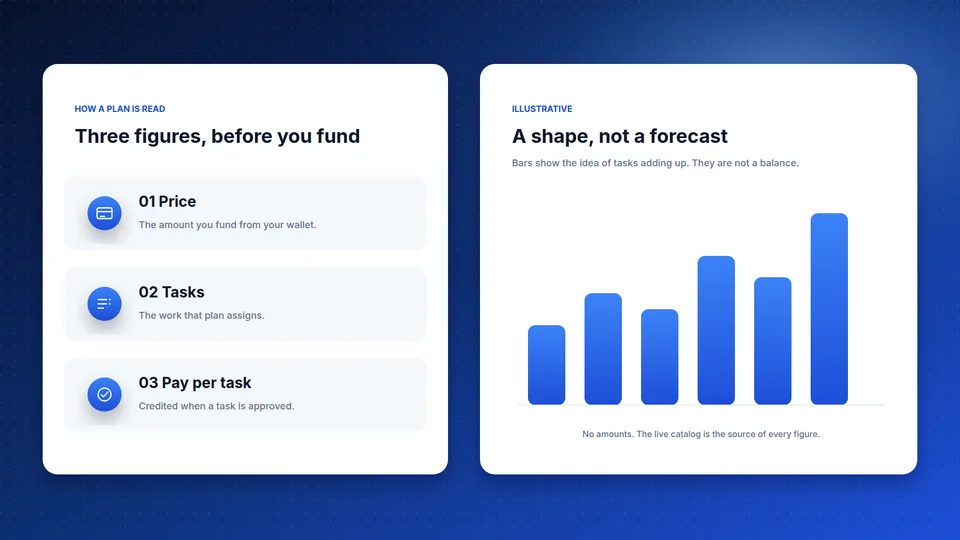
Price, tasks, and pay are listed before you fund.
Pick an amount inside the plan range.
Approved tasks pay the listed amount.
A bonus follows an approved deposit.
Live catalog
Active plans, lowest price first. Every card lists the price, the tasks, and the pay. Open one after you sign in.
The plan catalog could not be loaded just now. It is still available after you sign in.
The dashboard
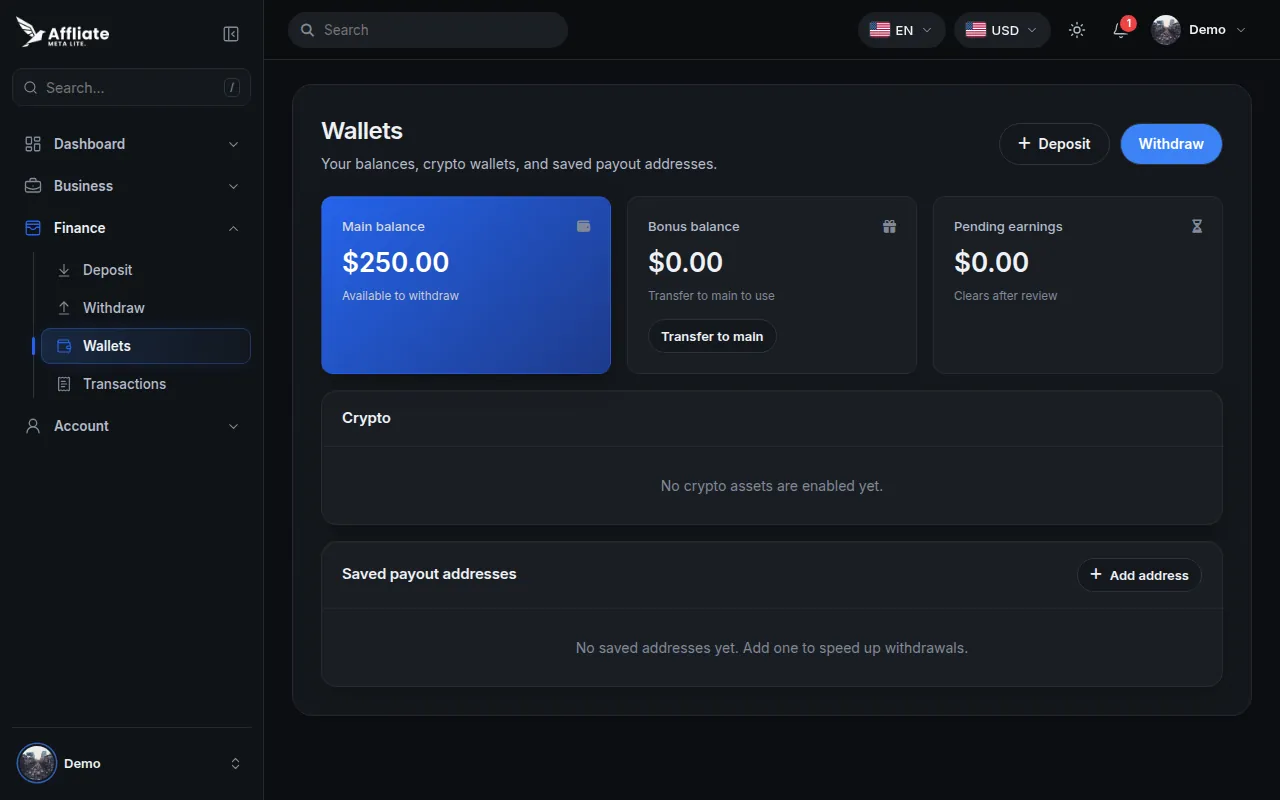
After you sign in, the account brings together the plan you funded, the tasks on it, and the payout request. The frames below are a look at that layout.
Security
A password account confirms the email before the dashboard opens, and a payout waits on an identity review.
A password account confirms an email code before the dashboard opens.
Sign-in continues with an emailed code, or with your authenticator app when two-factor authentication is on.
Identity documents are reviewed before a withdrawal is allowed.
The account records the sign-in and can email a notice. You can turn that notice off. Password resets use a short-lived code.
Payouts and referrals
These cards are a sample of the account. The amounts are sample figures. A payout request stays pending until it is processed.

Sample
Sample total due $128.00 USD
Sample affiliateAffiliate
In the account
Plans, earnings, referrals, and payouts, using the catalog and settings that are live right now.
Each plan lists its price, tasks, and pay per task.
All plansPay per task is listed on every plan before you fund it.
How pay is calculatedA bonus can follow an approved deposit when referrals are enabled.
Referral programA withdrawal stays pending until it is processed.
Payouts and withdrawalsSample reviews
These quotes were written for the site. They are not messages from members.
4.7
Sample rating from 6 sample reviews. This is not a score from members.
Sample
The plan card listed the price, the tasks, and the pay per task before I funded it.
Jordan HaleAffiliate · Austin
Sample
A payout request stayed pending until it was processed, and I could follow it from the account.
Priya ShahCreator · London
Sample
The referral note said a bonus follows an approved deposit, not the moment someone signs up.
Chris AdeyemiMember · Lagos
Questions
You create an account, choose an affiliate plan, and fund it from your wallet. The plan lists tasks. You complete those tasks in the dashboard, and the earnings configured on the plan are what a completed task pays.
The price and pay on a plan card are that plan’s terms. A task pays when it is completed and approved. Those amounts are not a promise of profit.
You request a withdrawal from the dashboard. Identity verification has to be approved first. You confirm the request with an emailed code, or with your authenticator app if two-factor authentication is on. The request stays pending until it is processed.
An email and password, then the sign-in code sent to that email. If two-factor authentication is on, the authenticator app replaces that email code. Five failed password attempts lock the account for 15 minutes.
When referrals are enabled, an approved deposit from someone you referred can credit a bonus at the commission rate in settings.
Use the contact form, or write to support@affiliatesglobalorg.com. After you sign in, you can also open a support ticket from the dashboard.
Create your free account in minutes, pick a plan, and track every reward in one dashboard.
Contact
Send a note and we will reply to the email you enter. You can also write to support@affiliatesglobalorg.com.